
Photo Delivery Formats and the 7 Handover Checks Clients Should Make
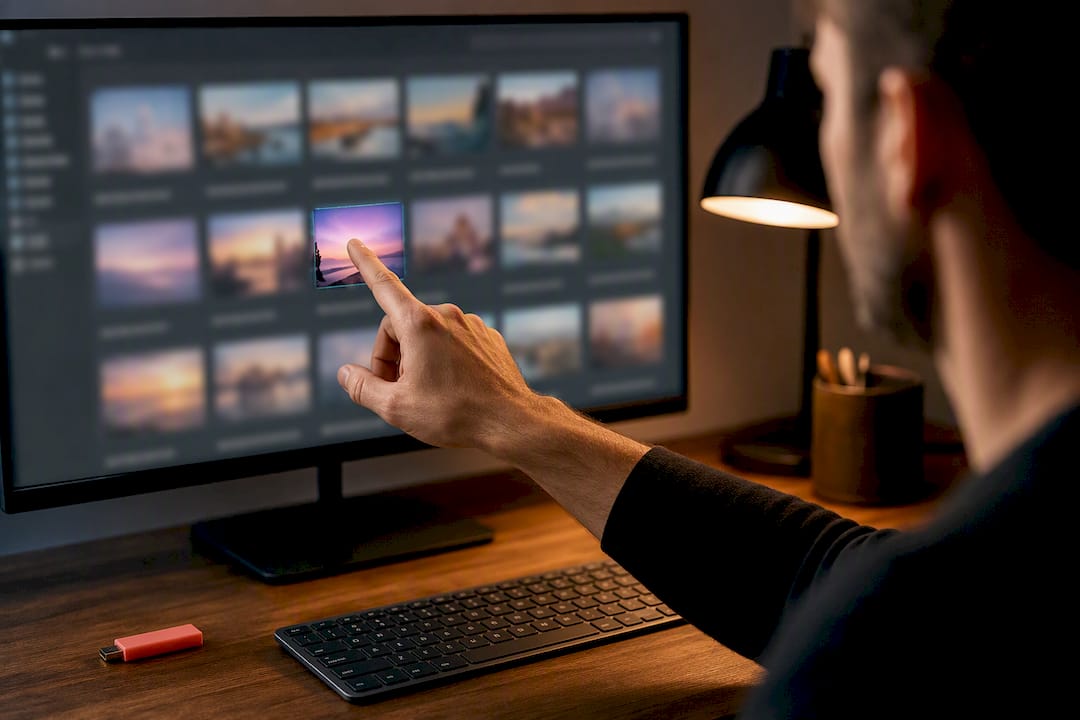
You should expect high-quality JPEGs ready for immediate use, print-ready TIFFs on request, RAW files only if you specifically ask for them, and delivery through an organised online gallery or secure download. Alongside the images, a proper handover includes embedded metadata, a Read Me file explaining what you've got, and a licence that spells out exactly what you're allowed to do with it. If any of that's missing, ask before you sign off.
TL;DR:
- JPEGs are the default format because they offer broad compatibility and small file sizes suitable for web and social media use.
- TIFF files are supplied on request for high-quality print projects, as they are lossless but significantly larger in size.
- RAW files are only provided if specifically requested, since they are unprocessed camera data requiring advanced software to use.
- Proper final delivery includes embedded colour profiles, detailed metadata, and organized files within secure online platforms or downloads.
- Confirm licence terms, including usage rights and restrictions, before signing off, especially for commercial or extended use cases.
Table of Contents
- File types explained: which image formats you may receive and why
- Resolution and sizing: matching pixels and ppi to the final output
- Colour spaces and metadata: how to keep colours accurate and files traceable
- Delivery methods and packaging: how files are commonly supplied
- Licensing and usage: the rights you should expect
- Client checklist: what to request and confirm at handover
- Alex's perspective: how I package files and manage licences
- How to book Alex for professional delivery and bespoke licences
- Sources
- FAQ
File types explained: which image formats you may receive and why
Most of what lands in your gallery will be high-quality JPEGs. They're compressed enough to move fast across the internet, small enough to email without a fight, and compatible with literally every device your marketing team, guests, or clients will use. For everyday web use, social posts, and general sharing, JPEG is the sensible default.
TIFF files come into play when print quality matters more than file size. TIFFs are lossless, meaning nothing gets thrown away during compression, but that fidelity comes at a cost: files can run into hundreds of megabytes. I supply these on request, usually for large-format prints, brochures, or archival storage.
RAW (or DNG) files are the camera's untouched original data. Most photographers keep these as masters rather than handing them over, partly because they need specialist software to open and partly because they represent unfinished work. If you have an in-house editing team that genuinely needs RAW, say so at the booking stage.
- JPEG: universal compatibility, small size, ideal for web and social
- TIFF: lossless quality, large files, best for print and archiving
- RAW/DNG: unedited camera data, supplied only on request
- HEIF and WebP: modern formats with better compression than JPEG, though HEIF has patchy compatibility outside Apple devices
- PNG: used specifically when you need transparency, such as logos over a background
Resolution and sizing: matching pixels and ppi to the final output
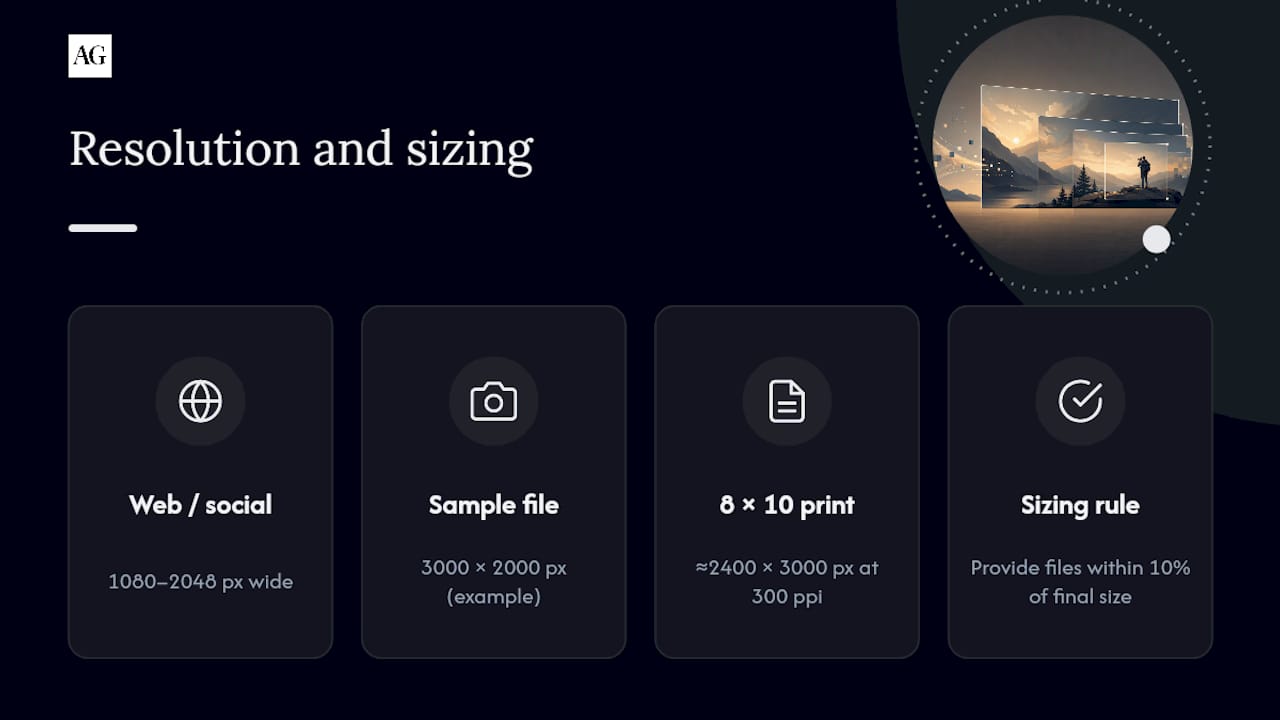
Pixel dimensions and ppi (pixels per inch) answer two different questions. Pixel dimensions tell you how big the image file actually is. Ppi tells you how sharp it will look at a given print size. A 3000 by 2000 pixel image looks crisp on a laptop screen but could look soft on an A2 poster, because the pixels get stretched thin across a bigger area.
For web and social use, most platforms display comfortably at 1080 to 2048 pixels wide. For print, the standard target is 300 ppi at the final output size, so an 8x10 inch print needs roughly 2400 by 3000 pixels. Always request files at or near their final size. Designers generally want files within 10% of the size they'll actually use, because starting with a larger master and scaling down produces far better results than trying to enlarge a small file after the fact.
Pro Tip: Ask your photographer whether output sharpening has been applied for your specific print size. Sharpening for a business card and sharpening for a 3-foot canvas print are not the same job, and skipping this step is one of the quickest ways to get a soft-looking final print.
Colour spaces and metadata: how to keep colours accurate and files traceable
Colour space determines which shades your file can actually display, and getting it wrong is one of the most common reasons a print comes back looking flat or off-tone. sRGB is the safe default for anything going on screens, since browsers and social platforms are built around it. For high-end print work or heavier post-processing, Adobe RGB or ProPhoto RGB capture a wider range, though your printer needs to know which one you've used.
A few checks worth making before files go anywhere near a press:
- Confirm the ICC profile is embedded in every file, not just referenced
- Ask your printer which CMYK profile they prefer, rather than converting from RGB yourself
- Check that the Read Me covers colour space, contact details, licence summary, and final file sizes
- Use free tools like Preview (Mac) or the file properties panel (Windows) to spot-check embedded profiles before you approve a delivery
My colour profile guide walks through this in more depth if your team handles its own design work.
Delivery methods and packaging: how files are commonly supplied
Delivery today is almost always digital. Photographers typically use online galleries or secure download links rather than posting a hard drive, though physical drives still appear for bespoke or very large commercial jobs where file volume makes downloads impractical.
A well-packaged delivery generally follows this order:
- Files organised into clearly labelled folders (originals, edits, web-ready exports)
- A consistent filename scheme so nothing gets lost or duplicated
- A Read Me file listing licence terms, contact details, and file specifications
- Password protection or an expiring link for sensitive commercial work
- A recommendation, or a reminder, to back the files up somewhere permanent
Turnaround varies by job type. Standard weddings and events typically take one to three weeks for a full edited gallery, while commercial and PR work often needs a faster hand back, sometimes same-day for press deadlines. If speed matters to your project, raise it during booking rather than at the handover stage.
Licensing and usage: the rights you should expect
Receiving the files is not the same as owning the right to use them however you like. Copyright generally stays with the photographer, and what you're actually getting is a licence to use the images in specific ways, not a transfer of ownership.
Licences typically fall into a few tiers:
- Personal use: for couples and private clients, covering prints, albums, and personal sharing
- Commercial use: for businesses, covering marketing, advertising, and website use within agreed terms
- Exclusive commercial: broader rights, often restricting the photographer from licensing the same images elsewhere
Before you use anything commercially, confirm the media, territory, duration, and exclusivity written into your licence, along with whether attribution is required and whether you're permitted to edit the files. Perpetual or unlimited-use licences cost more precisely because they remove the photographer's future earning potential from that image. If your shoot involves recognisable people or private property, ask whether model or property releases are in place. Without them, commercial use can expose you to legal risk regardless of what your photo licence says.
Client checklist: what to request and confirm at handover
Run through this before you consider a delivery finished:
- Count the files against what was agreed in your booking
- Check the file types match what you need (JPEG, TIFF, RAW)
- Open a sample image and check the resolution and pixel dimensions
- Confirm the ICC colour profile is embedded, not missing
- Read the Read Me file and the licence in full, not just skim it
- Test the download link or drive before archiving anything
- Keep a backup copy somewhere separate from the delivery platform
Get your licence terms confirmed in writing, and make sure payment terms line up with when usage rights actually release. If you're managing renewals or expiry dates on a licence, a simple spreadsheet with the shoot date, licence type, and expiry saves a lot of hassle later. Couples booking a wedding might find it useful to review questions worth asking before the big day, since licensing terms for personal albums differ from commercial packages.
Alex's perspective: how I package files and manage licences
Deliveries generally include an organised gallery with high-quality JPEGs ready to use straight away, TIFFs available on request for print, and licence terms provided with commercial bookings. I only supply RAW files when a client specifically needs them, because handing over unedited masters removes the editing judgement clients are actually paying for. If you want to go deeper on the technical side, my guides on print resolution and press-ready image supply cover the finer detail.
— Alex
How to book Alex for professional delivery and bespoke licences
Photography services are offered for commercial, event, and wedding photography across various locations, with delivery tailored to intended image use rather than one-size-fits-all exports.
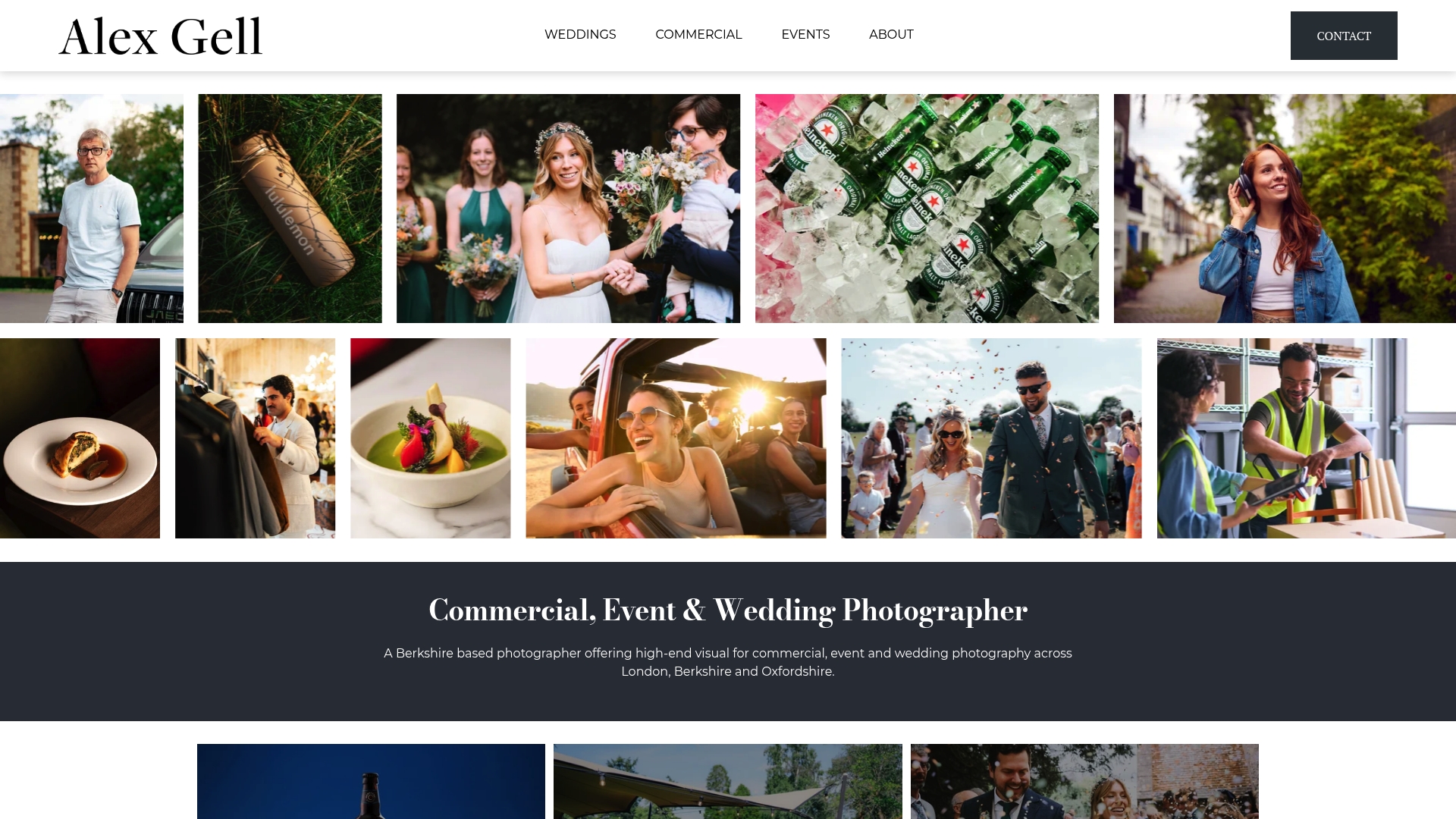
Bookings typically include delivery of curated galleries with high-quality JPEGs ready for immediate use; other options like TIFFs, faster turnaround, or bespoke commercial licences may be available depending on the job. Businesses needing marketing-ready imagery with clear usage rights can view the commercial photography services in London, while couples planning a wedding can browse the wedding portfolio before getting in touch. If your event needs quick-turnaround files for press or social, the event photography page outlines what's on offer. Start an enquiry today and Alex will talk you through exactly what files and rights come with your shoot before you book anything.
Sources
For deeper technical and licensing detail, the ASMP digital photo guide and UPDIG image receiver guidelines remain the standard industry references.
- ASMP digital photo guide
- Pic0
- Photo licensing agreement guide | Expert Photography
- Image licensing guide | Pixsy
FAQ
How long does wedding photo turnaround usually take?
Most photographers deliver a full edited wedding gallery within one to three weeks, though this varies by studio and season.
Will I receive RAW files automatically?
No. RAW or DNG files are unedited camera originals, and most photographers, Alex Gell included, only supply them on specific request.
Can I use my photos in a paid advert?
Only if your licence explicitly grants commercial use; check the medium, territory, duration, and exclusivity before running any paid campaign.
What's the difference between retouched and unedited photos?
Retouched photos have gone through colour correction, cropping, and finishing; unedited (RAW) files are unprocessed camera data that still need that work done.
Why do my printed photos look different from my screen?
This is usually a colour space mismatch. Screens display in sRGB while some print work uses Adobe RGB or CMYK, so an embedded ICC profile at delivery keeps colours consistent.
